🧠
AI POWERED
Turns scattered public evidence into a structured risk assessment.
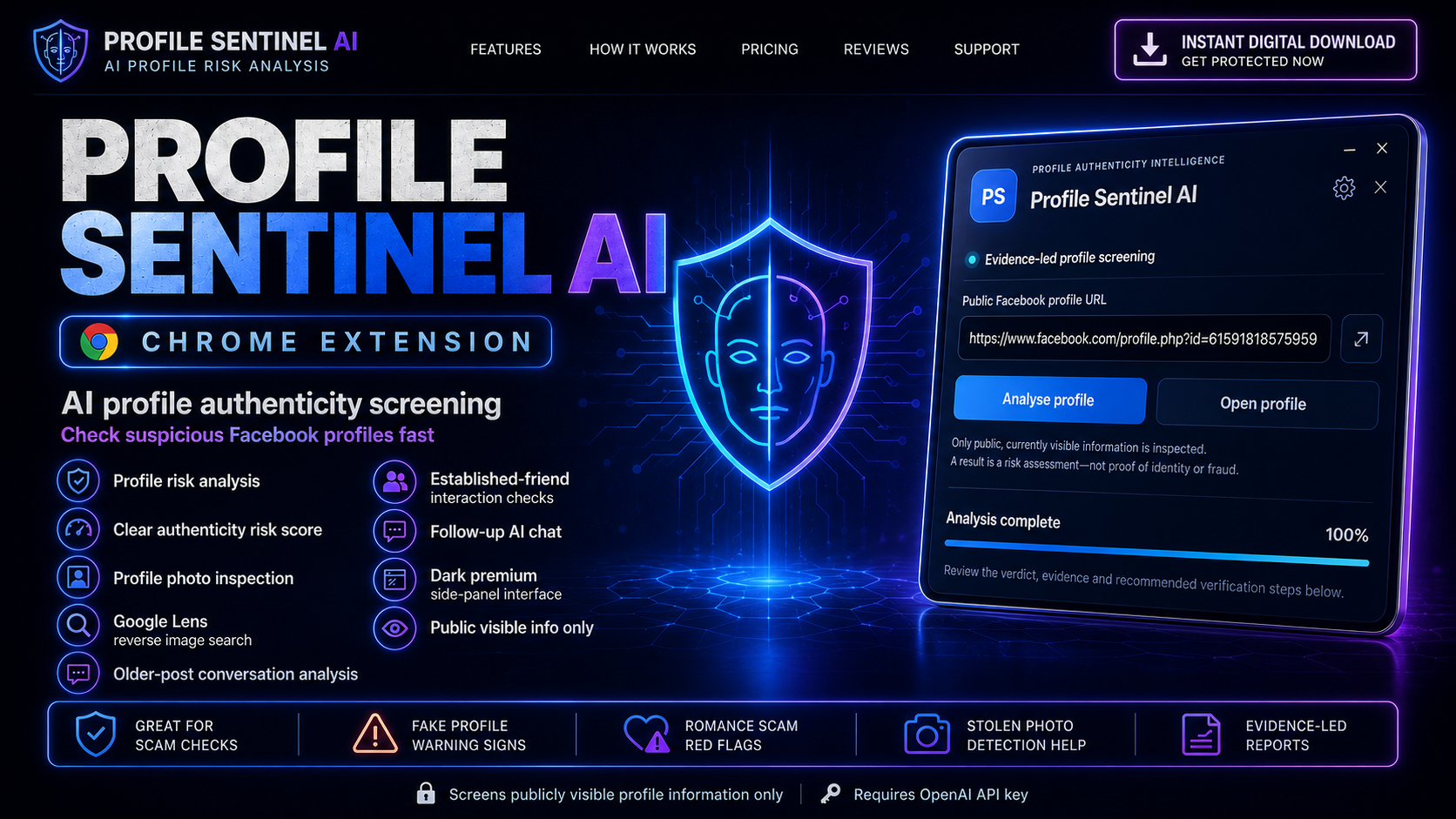
Profile Sentinel AI is a premium Chrome extension that helps you inspect publicly visible Facebook profile information, spot potential warning signs and organise the evidence into a clear risk assessment. 🛡️🤖
“Review this profile and explain the strongest warning signs in plain English.”
Profile photo review + Google Lens reverse‑image search support.
Turns scattered public evidence into a structured risk assessment.
Inspect profile imagery and launch reverse‑image investigation workflows.
See key findings, warnings and positive signals in one premium dashboard.
No Facebook password required. No access to private messages.
A polished dark‑blue side‑panel experience built around profile risk analysis, image inspection, behavioural‑pattern review and evidence‑led reporting. Everything is organised so the important signals are easy to understand. ✨
Explore Features →
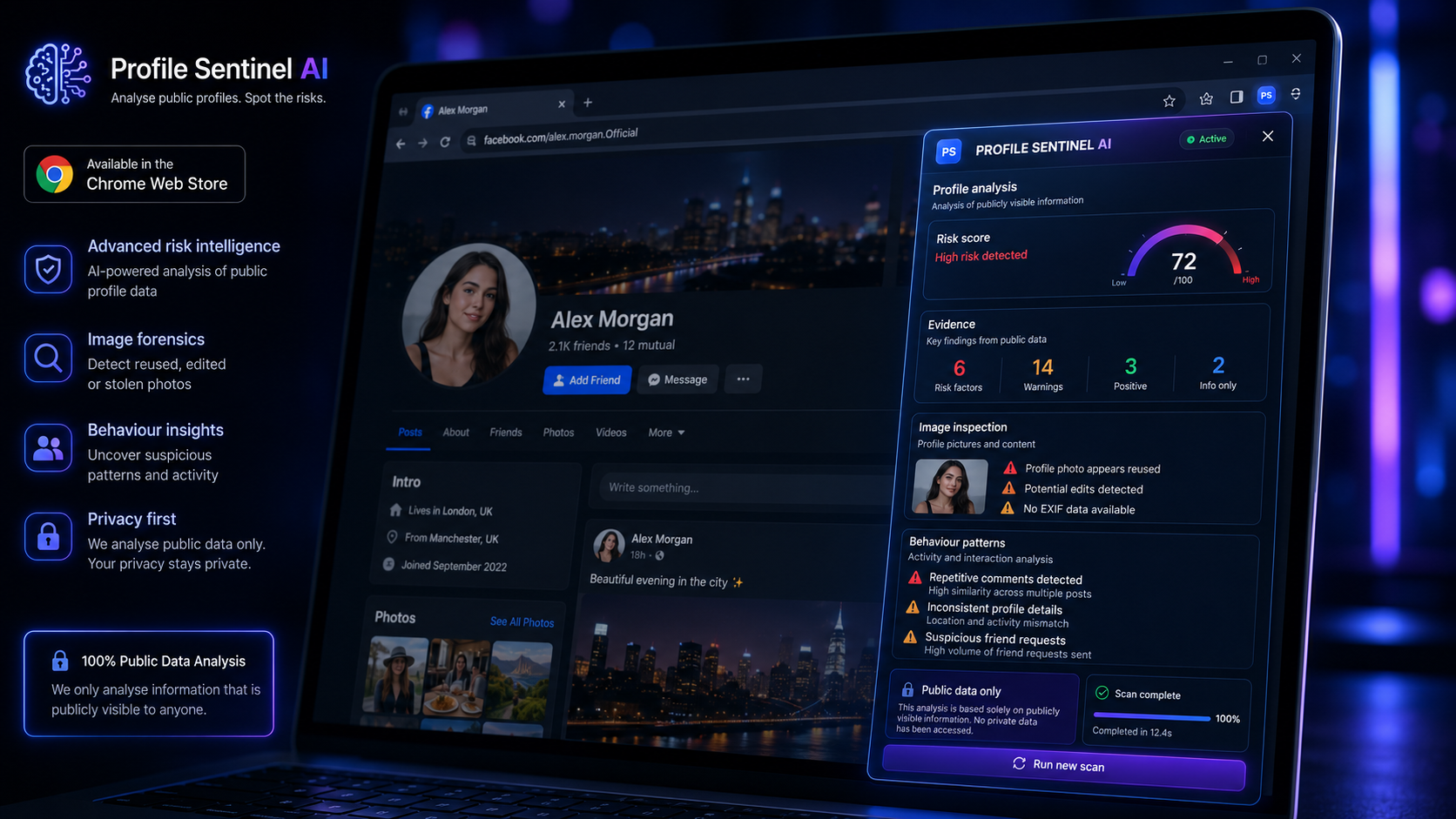
Stop jumping between tabs, copying information into separate tools and trying to piece the evidence together yourself. 🕵️♂️ Profile Sentinel AI installs directly into Chrome and opens as a dedicated side panel beside the profile you're investigating.
Download it. Install it. Open a profile. Start checking. ⚡ In minutes, you'll have a premium AI-assisted investigation workspace ready whenever something — or someone — doesn't quite add up. 🚩🤖
chrome://extensions
Reviews visible profile details and highlights potential authenticity concerns in a structured format.
Transforms multiple warning signs and positive signals into an easy‑to‑understand assessment.
Helps you examine whether photographs appear consistent with the claimed identity.
Quickly investigate whether the same photograph appears across unrelated websites, profiles or identities.
Review older visible posts and conversations for patterns that may support or challenge profile authenticity.
Look for signs of genuine long‑term interaction rather than relying only on follower counts or polished photos.
Ask grounded questions about the collected evidence and get focused explanations of the strongest signals.
Organise findings into a clear report with risk factors, warnings, positives and recommended verification steps.
A focused cyber‑security inspired interface with clean hierarchy, fast scanning and responsive controls.
Navigate to the Facebook profile you want to review and open Profile Sentinel AI beside it.
Review publicly visible profile details, image clues, interaction patterns and potential inconsistencies.
Use the score, evidence cards and recommended checks to make a more informed decision before you trust, meet or send money.
Profile Sentinel AI is designed for screening publicly visible information. It does not hack accounts, request your Facebook password, access private messages or prove that a person is genuine or fraudulent. Results are risk assessments based on available evidence, not definitive identity verification.
Get the Profile Sentinel AI package with the Chrome extension, private Node.js backend, installation instructions, user guidance and OpenAI configuration examples.
🚀 Get Protected Now